
Work. Play. Connect. Windows brings your worlds together, all in one place.


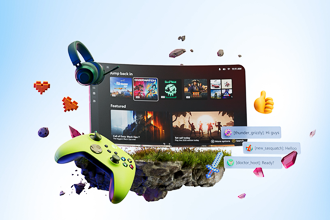
The ultimate college bundle
Get 1 year of Microsoft 365 Premium, 1 year XBOX Game Pass Ultimate, and more.14
Windows 11
Work. Play. Connect. Windows brings your worlds together, all in one place.


Controller-friendly

Whether you're planning your day or a big trip, organize windows on your screen with Snap layouts and create Snap groups to hop back into.5
Get work done faster with Copilot inside your favorite Microsoft apps like Word, Excel, and PowerPoint.1
Windows offers top games, advanced graphics capabilities, plus a Game Bar for instant access to screen recording, chats, and more.
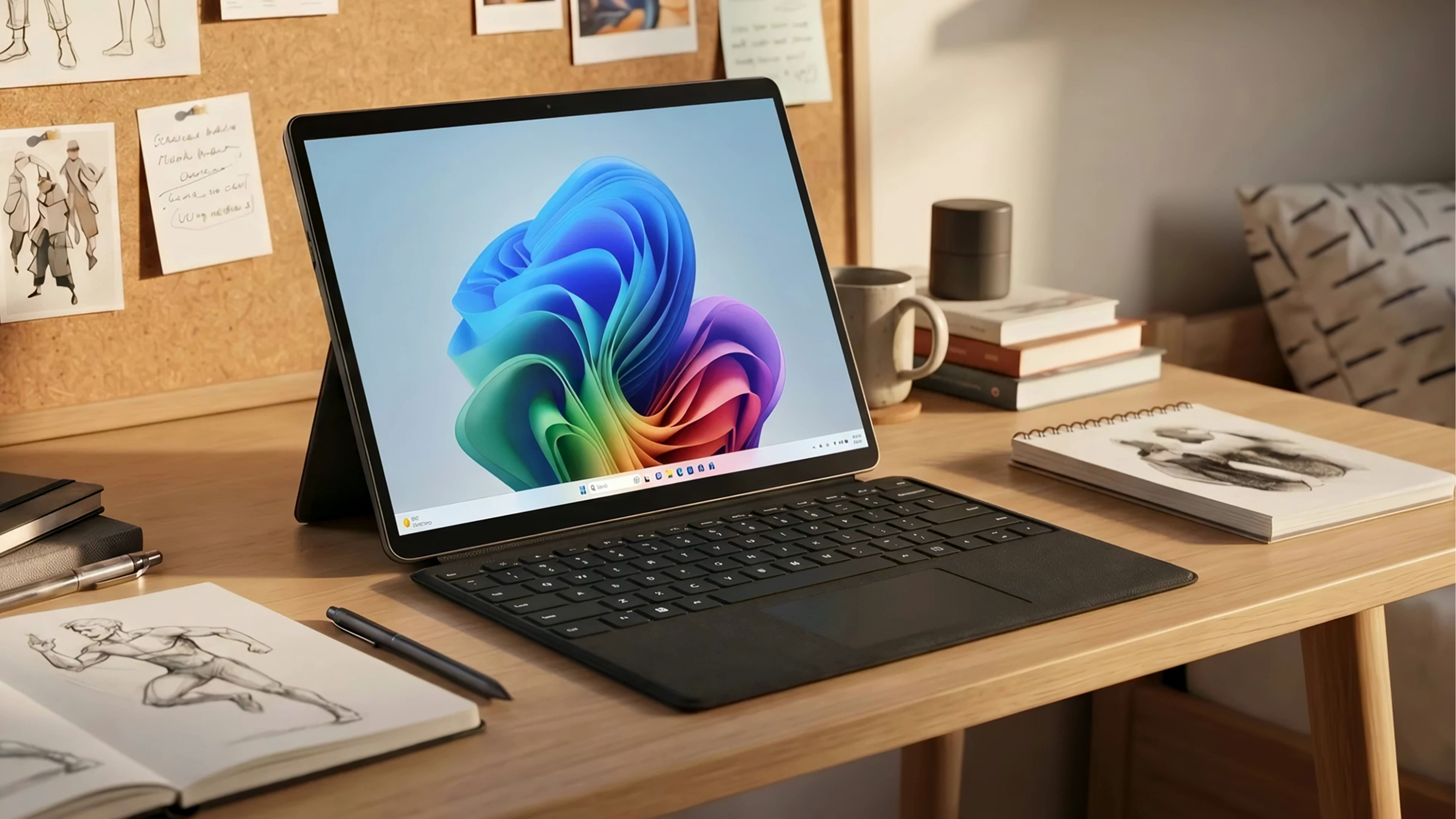
Choose from flexible 2-in-1s, slim laptops, powerful gaming PCs and more, across a range of display size, memory, and storage options.
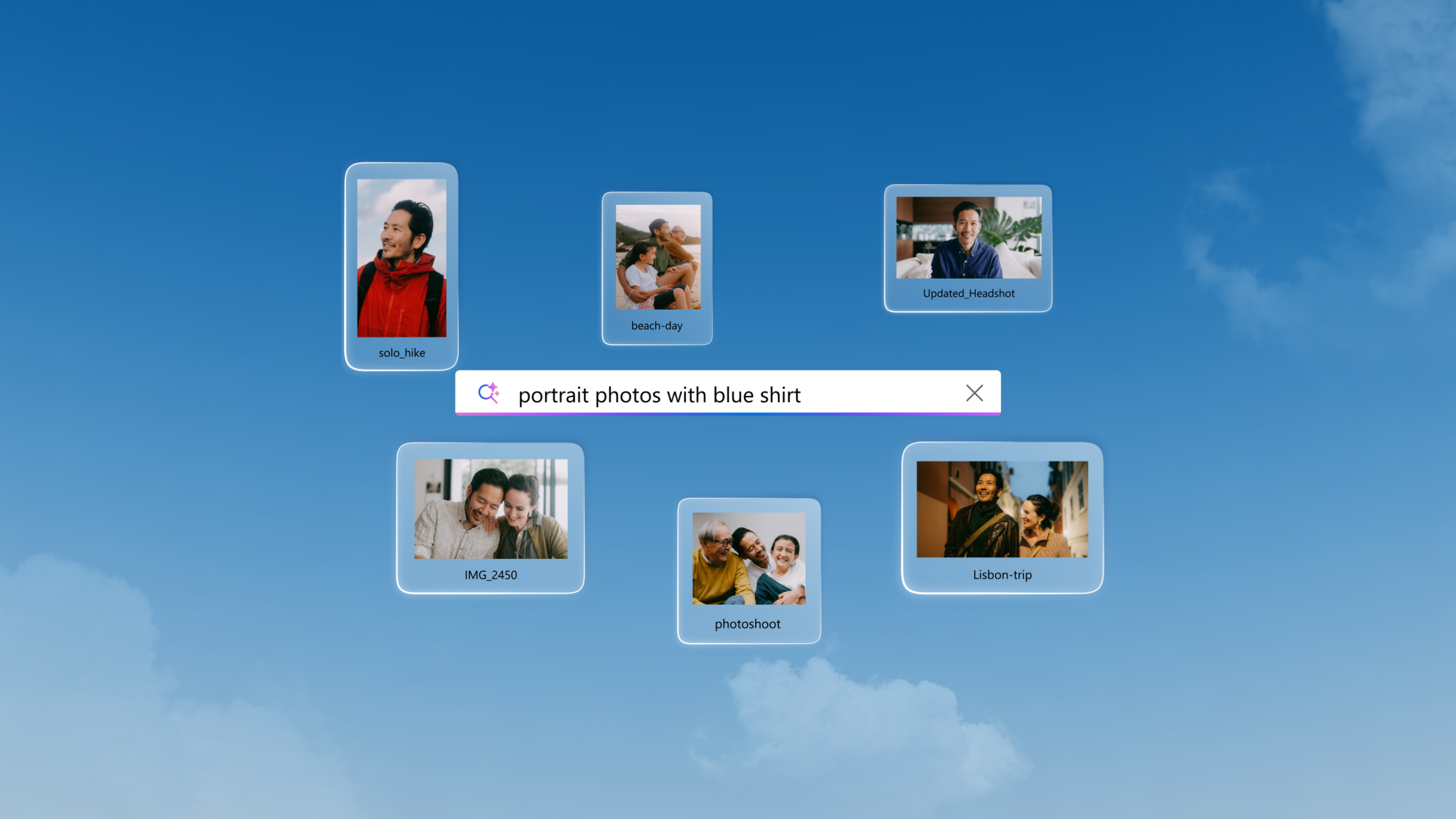
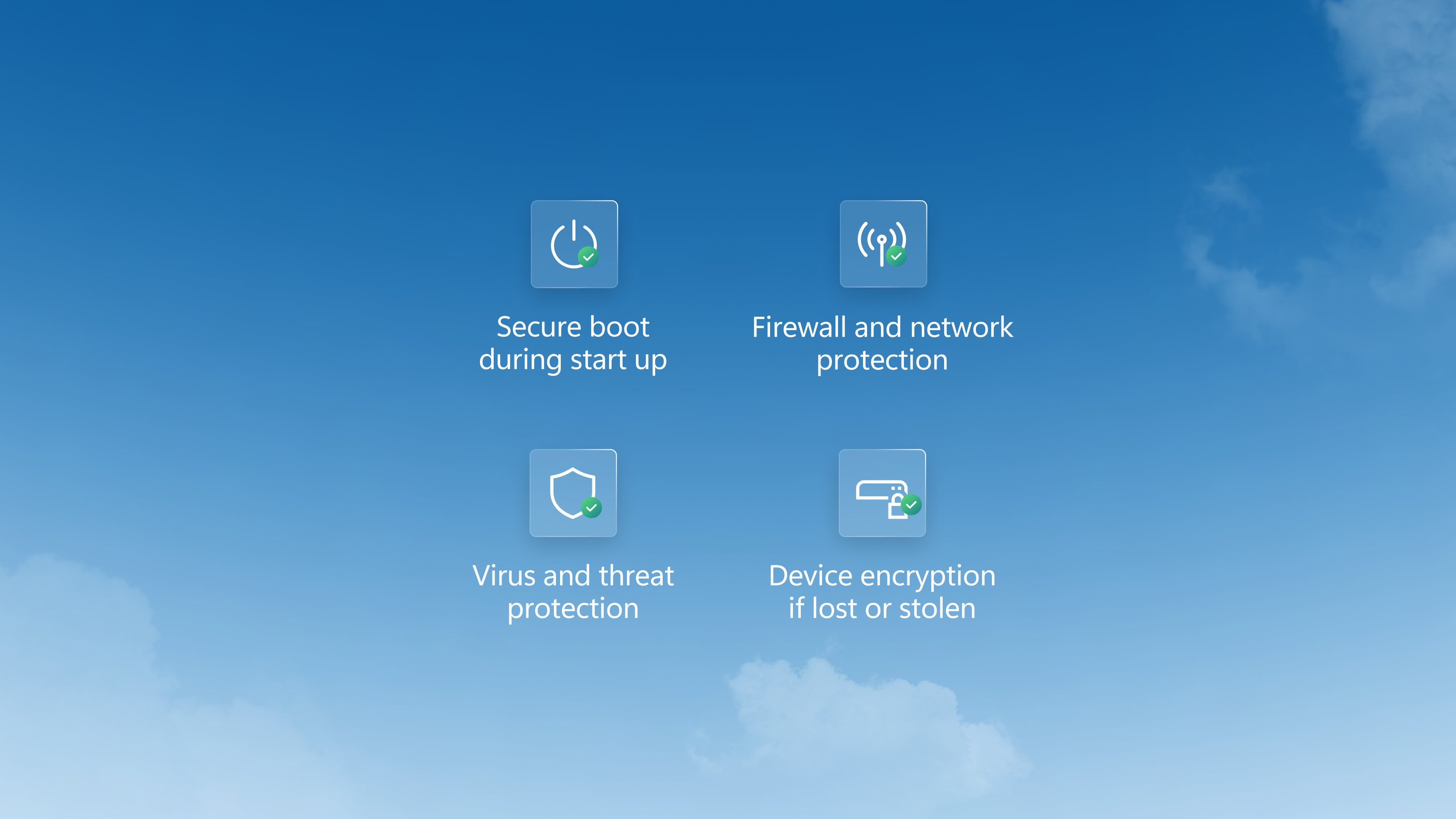

No need to remember or type your password. Log in with your face, fingerprint, or PIN using Windows Hello3.
“Building your own opportunities starts with the right tools. For me, Windows has been that essential digital toolbox.”
@MakaylaLysiak, Windows sponsored partner

Surface Pro 13 in.
MSRP $1,499.99
The ultimate college bundle
Get 1 year of Microsoft 365 Premium, 1 year XBOX Game Pass Ultimate, and more.14

Play your way on Windows 11
Access a massive game library, choose how to play, and manage everything in one place with the XBOX PC app.

Get more done with Copilot in Microsoft 365
Discover faster ways to work in Word, Excel, PowerPoint, and more.1
Screens simulated. Features and app availability may vary by region and market.
Unless Microsoft is listed as the retailer, clicking a third-party retailer link will take you to an external website, whose privacy policy, terms and conditions will apply. Microsoft is not responsible for the privacy policy, content, or accuracy of external websites. All specifications are subject to change without notice. Please check with each retailer for exact offers. Products may not be available in all markets. Displayed prices are current lowest prices offered by stated retailers and are subject to change. Prices are not offered by Microsoft unless stated.
Microsoft 365 Personal, Family, or Premium subscription required. AI features only available to subscription owner and cannot be shared; usage limits apply. Learn more. Minimum age limits may apply to use of AI features. Details.
Based on Steam’s catalog of PC games. Source: The Preferences Powering PC Gaming report by Ampere Analysis, commissioned by Microsoft, September 2025.
Hardware-dependent. Learn more.
Some layouts only available based on display resolution and scale settings.
Battery life varies significantly by device, and with settings, usage, and other factors.
App availability varies by market.
Works with specific text, image, and document formats only; optimized for select languages (English, Chinese (Simplified), French, German, Japanese, and Spanish). See aka.ms/copilotpluspcs.
Games sold separately; availability varies by device, region and over time. Internet, additional fees, minimum hardware, and/or other requirements apply for some games and features. Performance may vary significantly by device.
Through 6/30/26, while supplies last. Available only to eligible college students with a valid .edu email address who are new subscribers; auto-renew and other terms apply. See terms for details.