


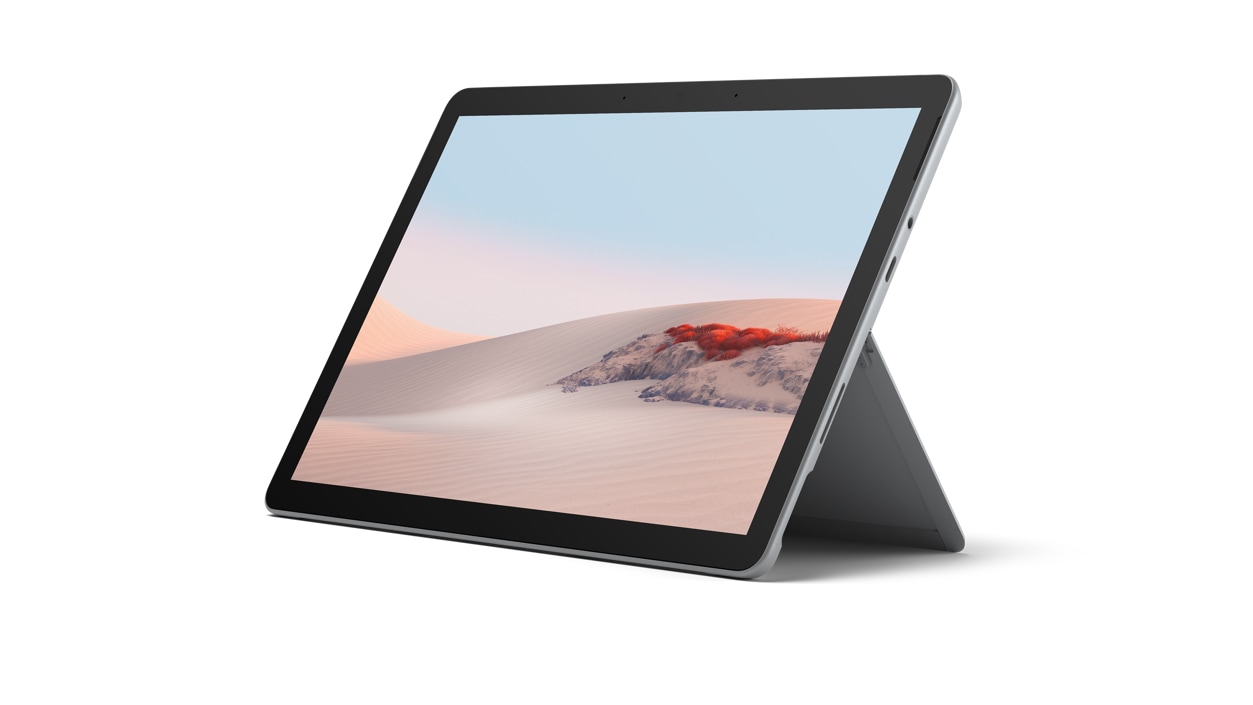

Surface Go 2 for Business
Free Upgrade to Windows 11 Pro.^ Learn more
Our team is ready to help you
If you need product advice, our experts can guide you through the right tech solutions for your business.
Call us at 1800 217 709 >
Out of stock
Free standard delivery. Free returns.
Small device, big business impact

10.5-inch Pixelsenseᵀᴹ touchscreen

8th Gen Intel® Core™ M3 processor

Starting weight of just 1.2 pounds

Optional LTE Advanced1 for working virtually anywhere
Business customers get more from Surface

Includes Windows 10 Pro

Microsoft 365 Business

Advanced Exchange

Zero-touch device deployment
Your perfect workplace companion
New Surface Go 2 for Business is the ideal LTE-enabled 2-in-1 tablet and laptop for small businesses, featuring a larger touchscreen, longer battery life, and 30% more processing power than the original Surface Go—all in the same compact size.
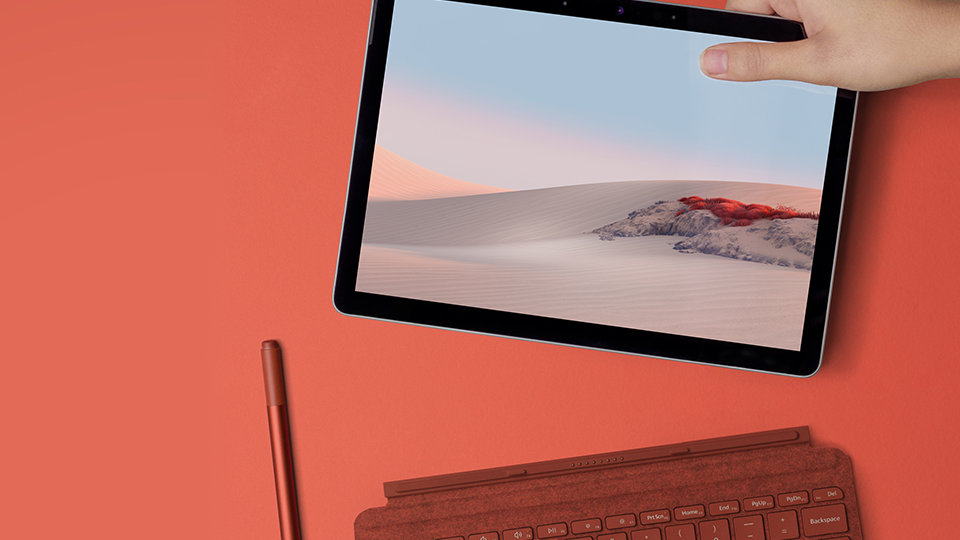
A multitasking marvel
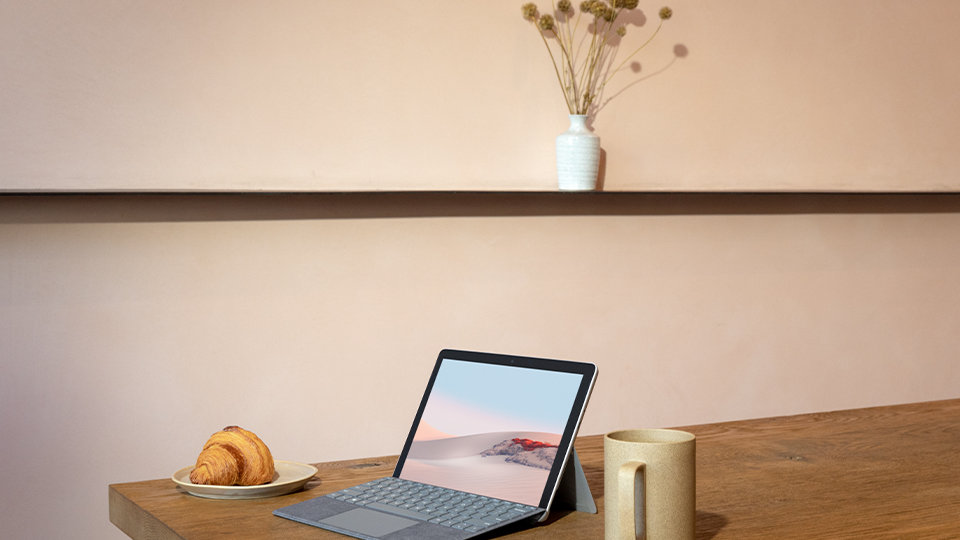
Surface Go 2 for Business adapts to everything your employees take on, from assisting customers on the sales floor to calling in to meetings and checking emails. Plus, with a starting weight of just 1.2 pounds and a slim and light build, it won’t slow you down wherever you’re headed.
Security for the modern workplace
Keep workforce devices and apps managed, secure and up-to-date wherever your employees work from. With optional Microsoft Intune,3 they’ll remain compliant with your company's security requirements while getting safe access to their data. And with Windows 10 Kiosk mode, access can be restricted to only the apps and tools customers or employees need.

Connect and communicate with ease
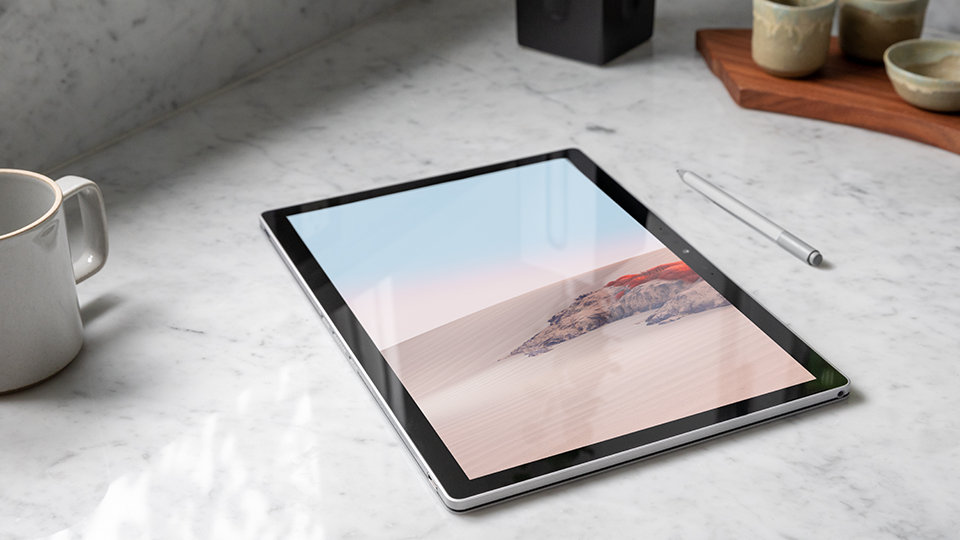
Equipped with Dolby® Audio™ speakers, enhanced dual far-field Studio Mics and a front-facing camera, Surface Go 2 for Business delivers crystal-clear sound and video for employees near and far. It’s also great for sharing high-definition photos and videos, and sketching ideas with Surface Pen.3
Value for small businesses
Surface for Business helps save time and money with streamlined deployment, modern device management, and built-in cloud-powered security. Empower teams, data and systems with connected experiences from Surface and Microsoft 365.
Versatility for everything you do
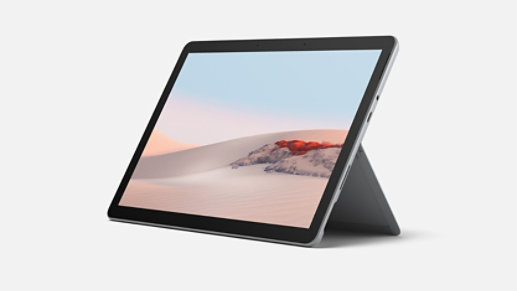
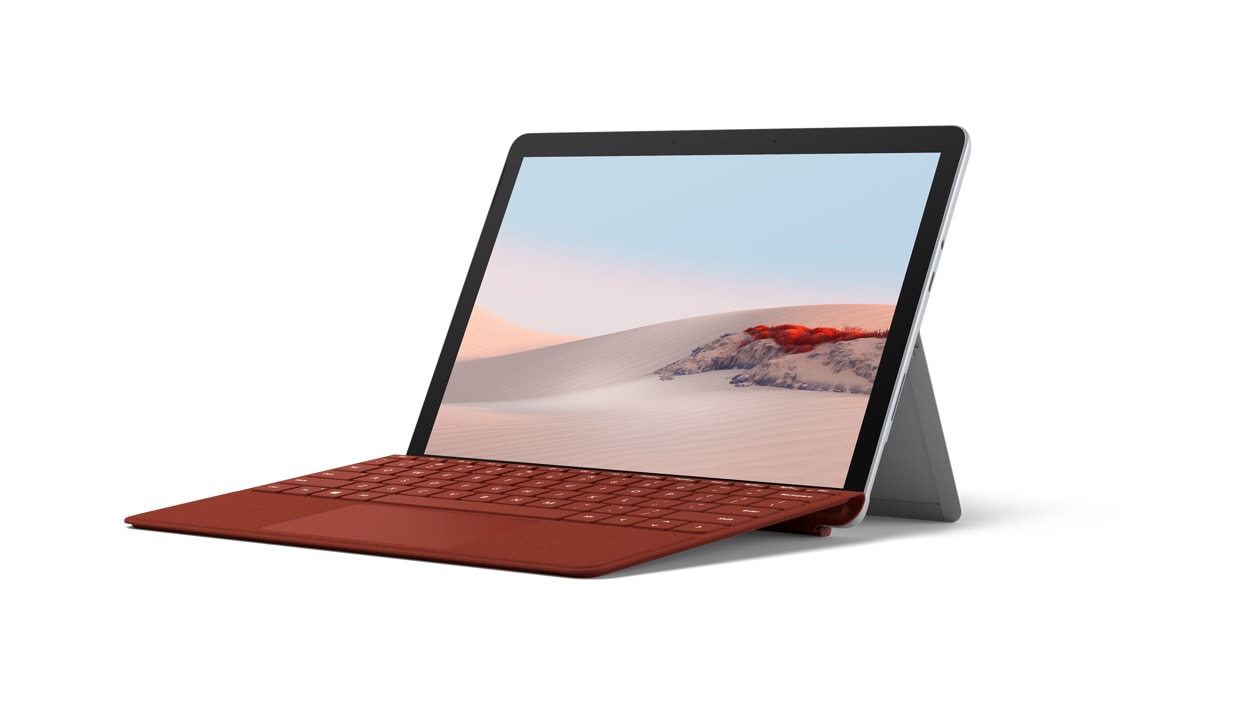
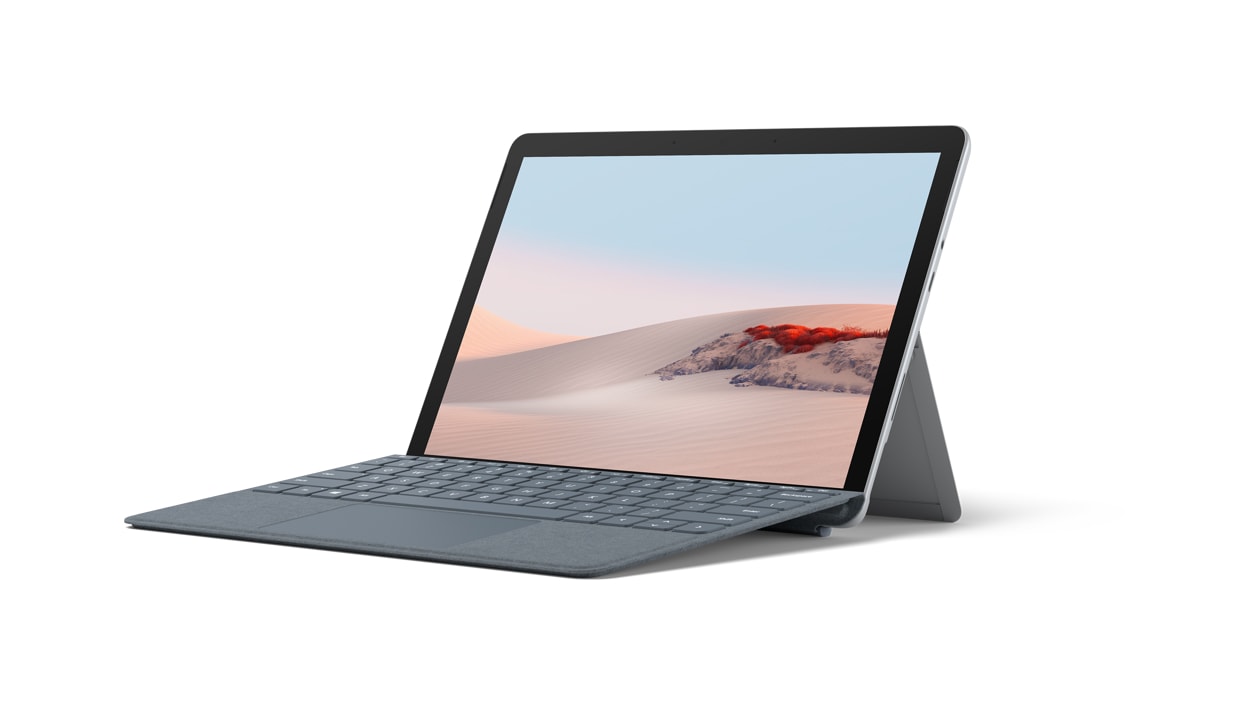
Laptop Mode
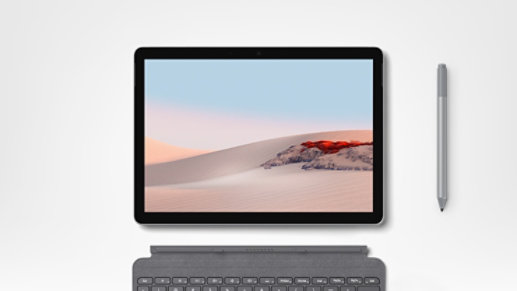
Tablet mode
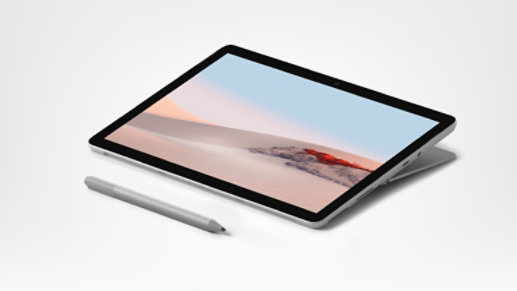
Studio Mode
Get expert guidance on Surface

We’re here to talk tech for your business
Talk with an expert in real time

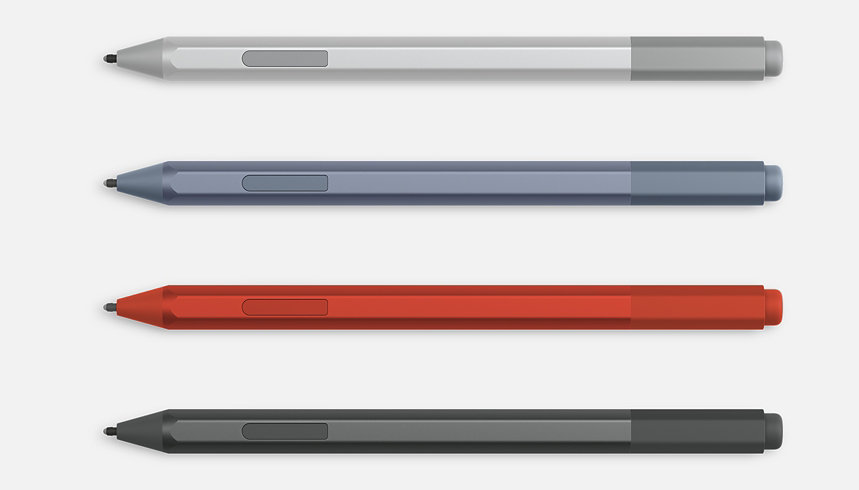
Essential accessories
From mice and pens to keyboards and docks, enhance your productivity with a wide range of Surface accessories.
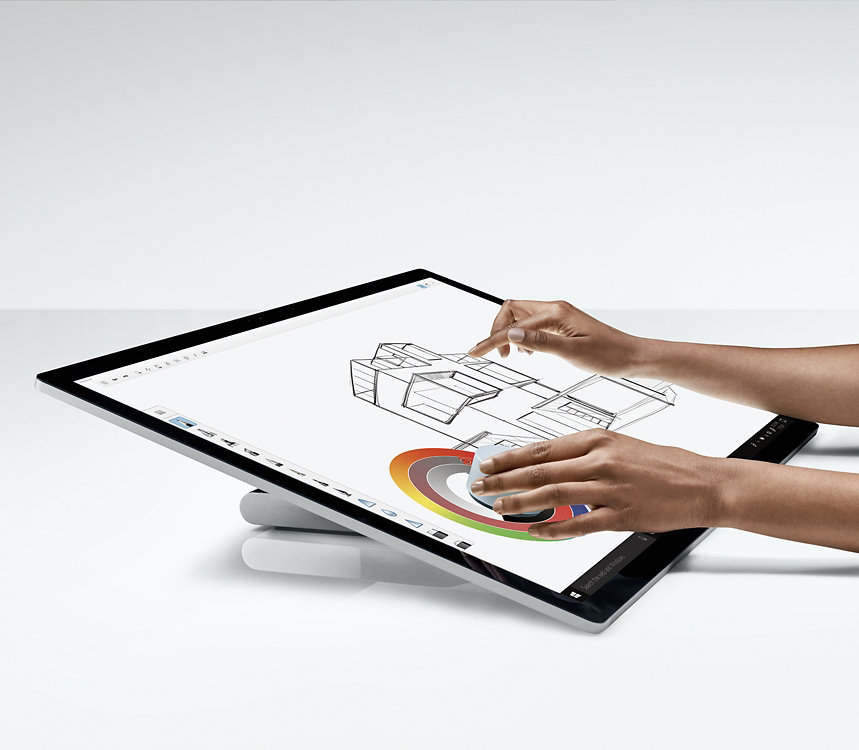
More products coming soon
Why shop for your business at Microsoft Store

Buy more, save more

Trusted Microsoft advisors

Flexible payment options

Shop with confidence
- ^ Upgrade timing may vary by device. Certain features require specific hardware (see Windows 11 Specifications).
-
[1] Service availability and performance subject to service provider’s network. Contact your service provider for details, compatibility, pricing, SIM card and activation. See all specs and frequencies at
surface.com. - [2] Microsoft 365 E5 subscription required.
- [3] Sold separately.
- [4] Advanced Exchange Service is available at no additional charge with the following Surface for Business products: Surface Pro X for Business, Surface Laptop Go for Business, Surface Book 3, Surface Go 2, Surface Laptop 3, Surface Pro 7, Surface Pro X, Surface Pro 6 and Surface Laptop 2. Advanced Exchange is only available in supported markets. Restrictions apply. See Surface for Business warranty page for AES terms and conditions and list of supported markets.
Dimensions |
245 mm x 175 mm x 8.3 mm (9.65” x 6.9” x 0.33”)
|
Display |
Screen: 10.5” PixelSense™ Display
Resolution: 1920 x 1280 (220 PPI) resolution Aspect ratio: 3:2 Contrast ratio: 1500:1 Touch: 10 point multi-touch Corning® Gorilla® Glass 3 |
Memory |
4 GB or 8 GB RAM
|
Processor |
8th Gen Intel® Core™ m3 Processor
Intel® Pentium® Gold Processor 4425Y |
Security |
TPM 2.0 for enterprise security
Enterprise-grade protection with Windows Hello face sign-in |
Software |
Windows 10 Pro
1 month trial for new Microsoft 365 customers |
Sensors |
Ambient light sensor |
What’s in the box |
Surface Go 2 |
Weight1 |
Wi-Fi: 544 g (1.2 lb)
LTE Advanced: 553 g (1.22 lb) |
Storage2 |
eMMC drive: 64GB (Wi-Fi)
Solid-state drive (SSD): 128GB (Wi-Fi or LTE) 256GB (LTE) |
Battery life3 |
Up to 10 hours of typical device usage
|
Graphics |
Intel® UHD Graphics 615 |
Connections |
1 x USB-C® |
Cameras, video and audio |
Windows Hello face authentication camera (front-facing)
5.0MP front-facing camera with 1080p HD video 8.0MP rear-facing auto-focus camera with 1080p HD video Enhanced dual far-field Studio Mics 2W stereo speakers with Dolby® Audio™ Premium |
Network |
Wi-Fi: IEEE 802.11 a/b/g/n/ac/ax compatible
Bluetooth Wireless 5.0 technology Qualcomm® Snapdragon™ X16 LTE modem Up to 600 Mbps LTE Advanced4 with nanoSIM support. Bands supported: 1, 2, 3, 4, 5, 7, 8, 12, 13, 14, 19, 20, 25, 26, 28, 29, 30, 38, 39, 40, 41, 66 Assisted GPS and GLONASS support eSIM support |
Exterior |
Casing: Magnesium
Colour: Silver Physical buttons: Volume, Power |
Warranty5 |
1-year limited hardware warranty
|
- [1] Weight not including Type Cover.
- [2] System software and updates use significant storage space. Available storage is subject to change based on system software and updates and apps usage. 1 GB = 1 billion bytes. 1 TB = 1,000 GB. See Surface Storage for more details.
- [3] Surface Go 2 for Business battery life: Up to 10 hours of battery life based on typical Surface device usage. Testing conducted by Microsoft in February 2020 using preproduction software and preproduction configurations of Surface Go 2. Testing consisted of full battery discharge with a mixture of active use and modern standby. The active use portion consists of (1) a web browsing test accessing 8 popular websites over multiple open tabs, (2) a productivity test utilising Microsoft Word, PowerPoint, Excel and Outlook, and (3) a portion of time with the device in use with idle applications. All settings were default except screen brightness was set to 150nits with Auto-Brightness disabled. Wi-Fi was connected to a network. Battery life varies significantly with settings, usage and other factors.
- [4] Service availability and performance subject to service provider’s network. Contact your service provider for details, compatibility, pricing, SIM card and activation. See all specs and frequencies at surface.com.
- [5] Microsoft’s Limited Warranty is in addition to your consumer law rights.