


Surface Book 3 for Business
Free Upgrade to Windows 11 Pro.^ Learn more
Shop for Surface with confidence
Microsoft Store offers great benefits like 60-day returns on Surface products.6
Out of stock
Free standard delivery. Free returns.
The most powerful Surface ever

Latest 10th Gen Intel® Core™ processor

Up to 1 TB storage¹ and 32 GB RAM

NVIDIA® GeForce® GTX or Quadro® RTX GPUs

13.5- or 15-inch PixelSense™ touchscreen

The ultimate business companion
Get the power to handle the most intensive workloads with lightning-fast Intel® processors, blistering NVIDIA® GeForce® GTX or Quadro® RTX graphics, massive multitasking capabilities, and a battery that keeps pace all day long.
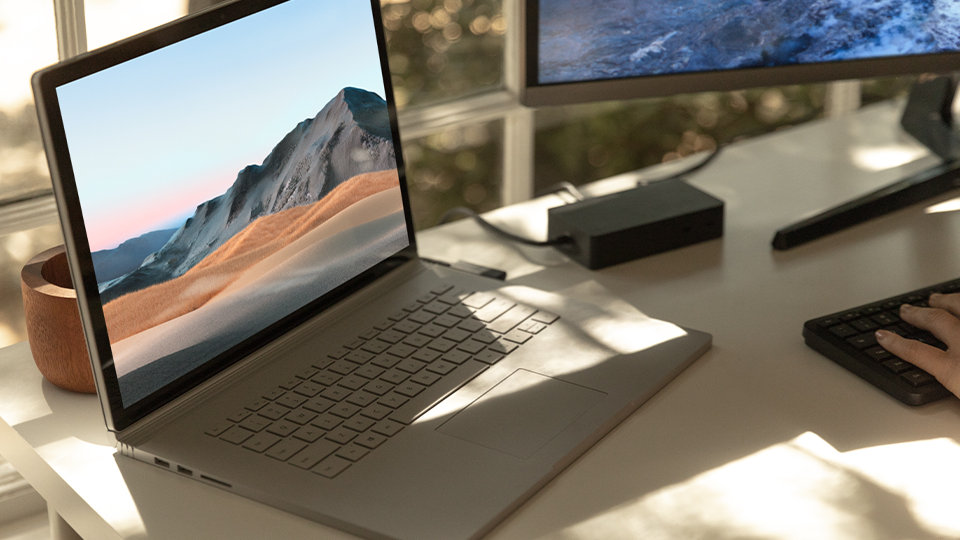
High-octane processing
Speed through graphics-intensive software like Autodesk® AutoCAD®, Dassault SOLIDWORKS® and Adobe® Creative Cloud® and code faster in Microsoft Visual Studio.4 Plus, rendering video and motion graphics has never been smoother with the best graphics performance on any Surface.
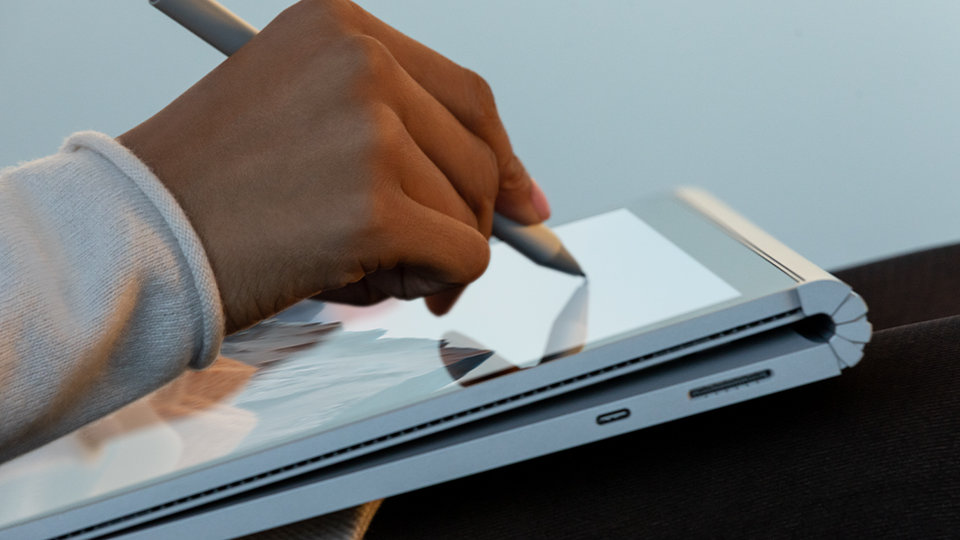
Cutting-edge versatility
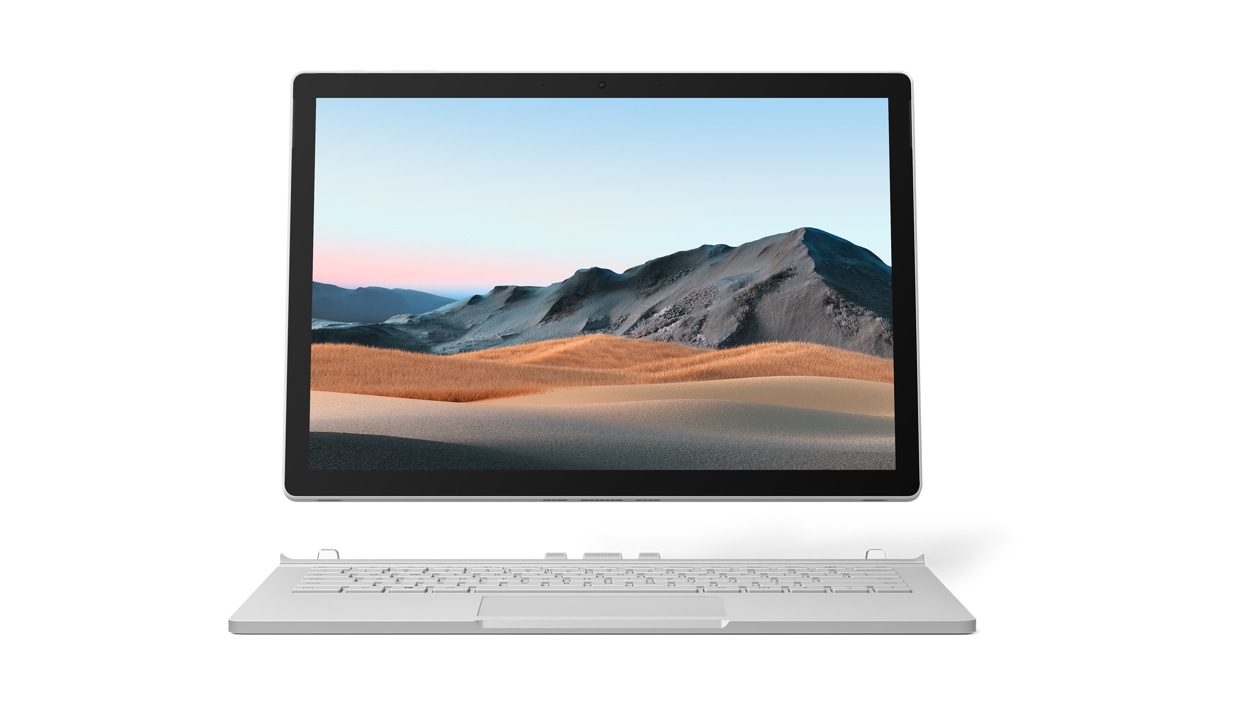
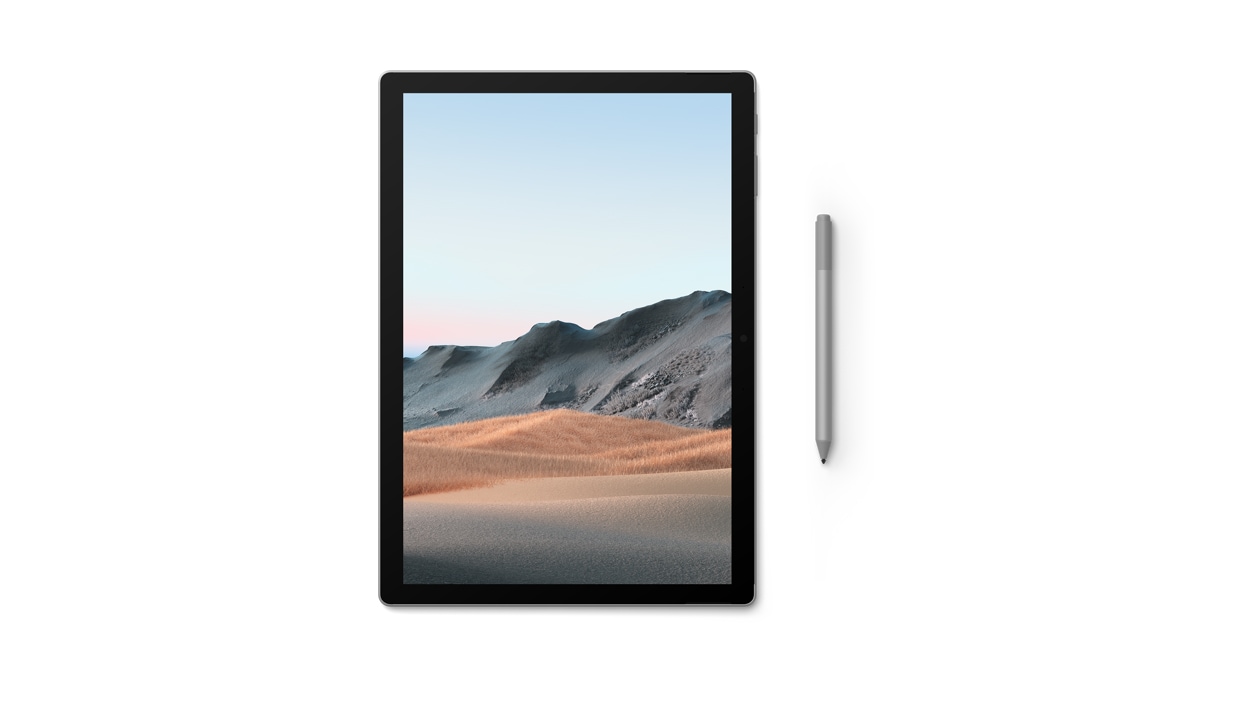
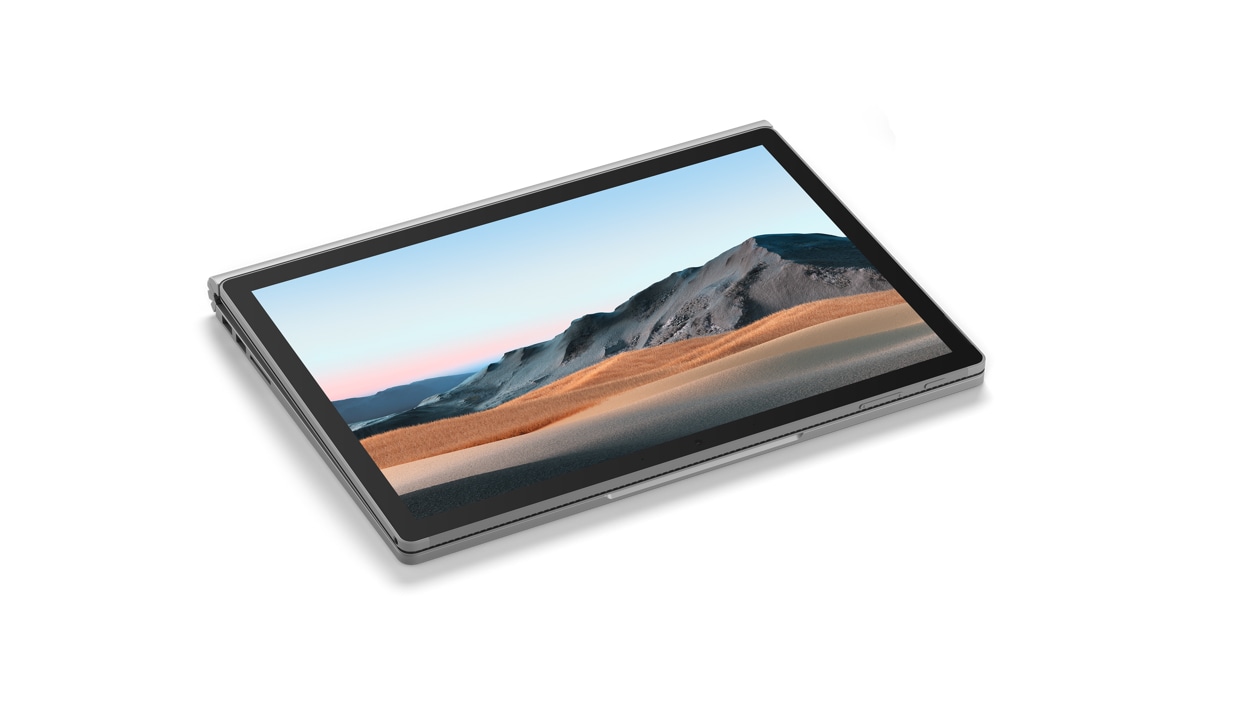
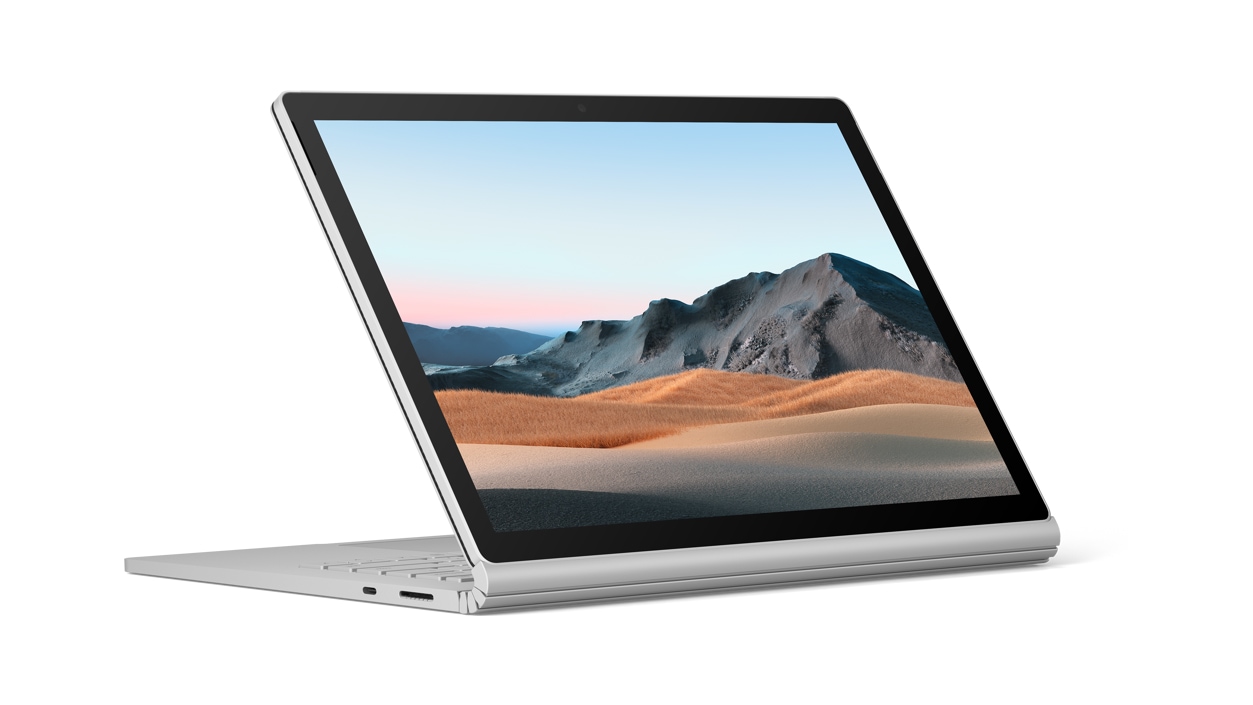
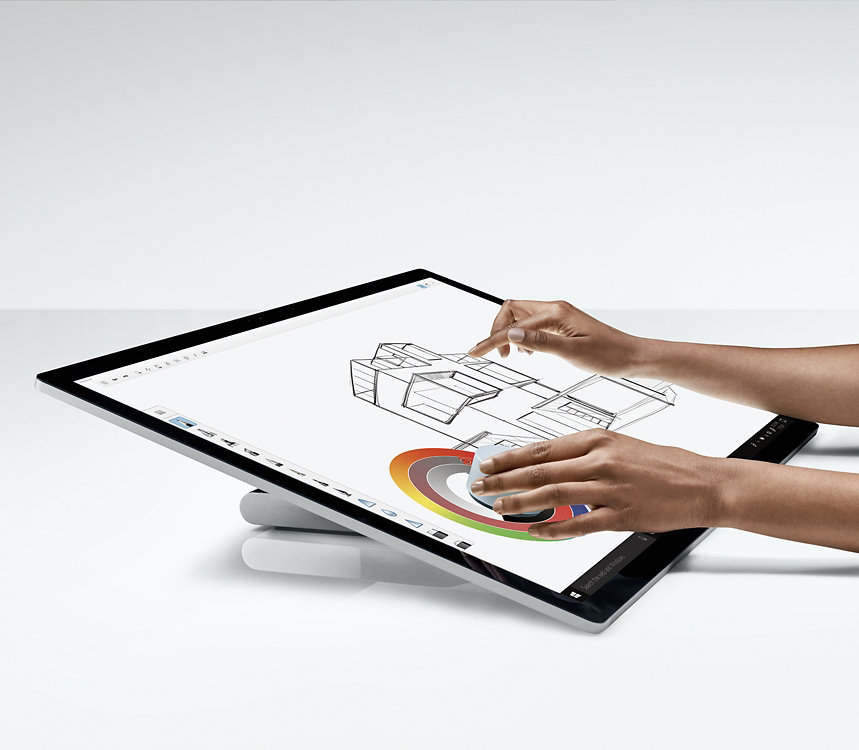
Surface Book 3 for Business strikes the perfect balance of performance, flexibility and mobility, helping employees reach their full potential. Multitask more efficiently than ever on a full-featured laptop, then detach the touchscreen to work on a PC-class tablet. Or, unlock full creative power by flipping Surface Book 3 for Business into studio mode to sketch and ink onscreen with Surface Pen.4
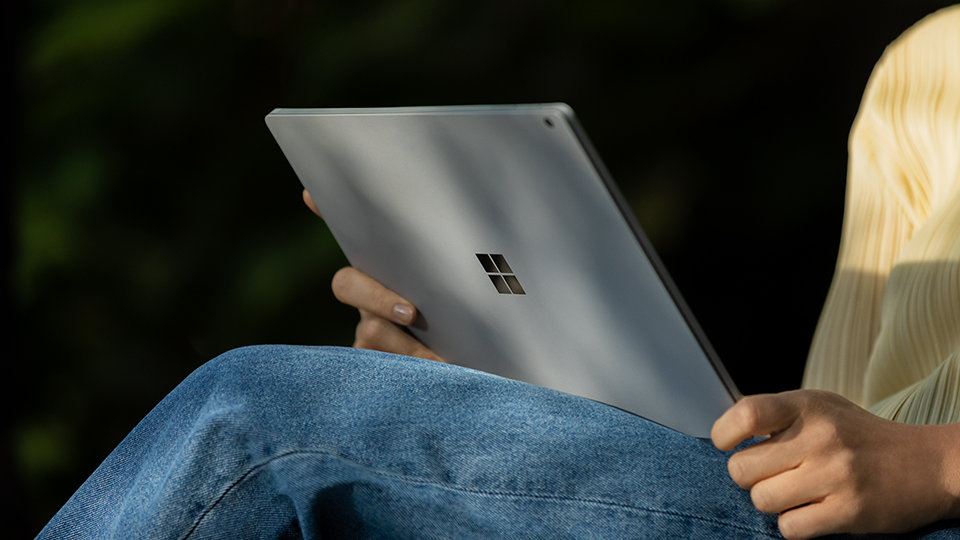
Power for the long haul
Wherever the working day leads, you’ll be charged and ready for anything with up to 17.5 hours5 of battery life and improved standby that extends battery life for days when you’re away.

A creative canvas
See your work in all new ways on the vibrant PixelSense™ display, available with a 13.5- or 15-inch touchscreen. It delivers ultra-high resolution and lifelike details for creating pixel-perfect graphics, while Surface Pen4 and Surface Dial4 add another dimension for creative fine-tuning.
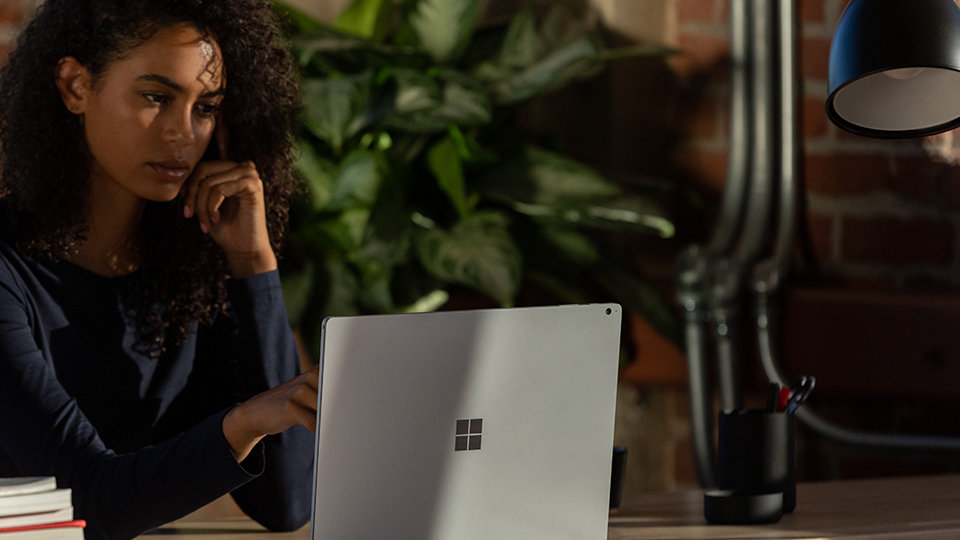
Value for small businesses
Surface for Business helps save time and money with streamlined deployment, modern device management, and built-in cloud-powered security. Empower teams, data and systems with connected experiences from Surface and Microsoft 365.
Versatility for everything you do
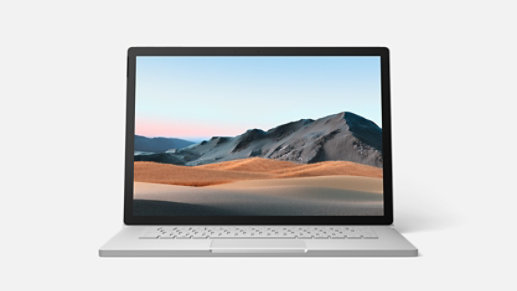
Laptop Mode

Tablet mode

Studio Mode
Business customers get more from Surface

Includes Windows 10 Pro

Microsoft 365 Business

Advanced Exchange

Zero-touch device deployment
Get expert guidance on Surface

We're here to talk tech for your business

Talk with an expert in real time

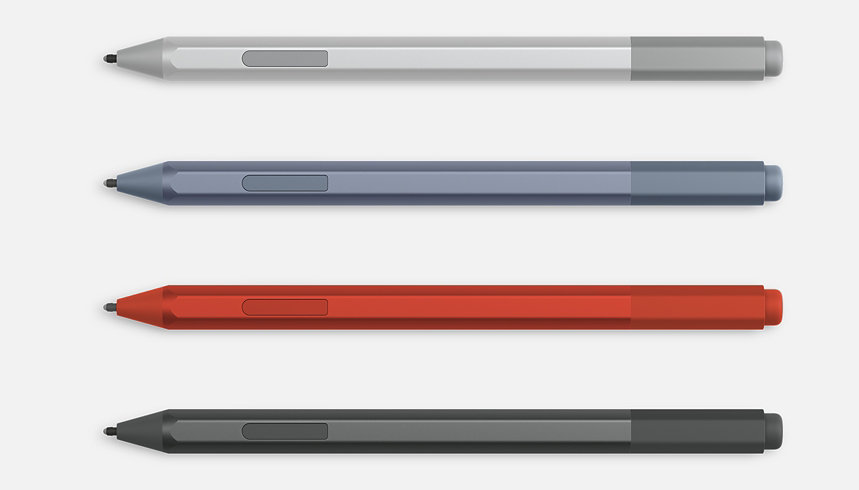
Essential accessories
From mice and pens to keyboards and docks, enhance your productivity with a wide range of Surface accessories.
More products coming soon
Why shop for your business at Microsoft Store

Buy more, save more

Trusted Microsoft advisors

Flexible payment options

Shop with confidence
- ^ Upgrade timing may vary by device. Certain features require specific hardware (see Windows 11 Specifications).
-
[1] System software and updates use significant storage space. Available storage is subject to change based on system software and updates and apps usage. 1GB = 1 billion bytes. 1TB = 1,000GB. See Surface Storage for more details.
[2] Microsoft 365 E5 subscription required.
[3] Advanced Exchange Service is available at no additional charge with Surface Book 3 for Business, Surface Go 2 for Business, Surface Pro 7 for Business, Surface Pro X for Business, Surface Laptop 3 for Business, Surface Pro 6 for Business, and Surface Laptop 2 for Business. Only available in supported markets. Restrictions apply. See Surface for Business warranty page for AES terms and conditions and list of supported markets.
[4] Sold separately.
[5] Surface Book 3 for Business 13.5” connected to keyboard base: Up to 15.5 hours of battery life based on typical Surface device usage. Testing conducted by Microsoft in April 2020 using preproduction software and preproduction configurations of Surface Book 3 13.5” Intel® Core™ i5, 256GB, 8 GB RAM. Testing consisted of full battery discharge with a mixture of active use and modern standby. The active use portion consists of (1) a web browsing test accessing 8 popular websites over multiple open tabs, (2) a productivity test utilising Microsoft Word, PowerPoint, Excel and Outlook, and (3) a portion of time with the device in use with idle applications. All settings were default except screen brightness was set to 150nits with Auto-Brightness disabled. Wi-Fi was connected to a network. Battery life varies significantly with settings, usage and other factors.
Surface Book 3 for Business 15” connected to keyboard base: Up to 17.5 hours of battery life based on typical Surface device usage. Testing conducted by Microsoft in April 2020 using preproduction software and preproduction configurations of Surface Book 3 15” Intel® Core™ i7, 256GB, 16 GB RAM. Testing consisted of full battery discharge with a mixture of active use and modern standby. The active use portion consists of (1) a web browsing test accessing 8 popular websites over multiple open tabs, (2) a productivity test utilising Microsoft Word, PowerPoint, Excel and Outlook, and (3) a portion of time with the device in use with idle applications. All settings were default except screen brightness was set to 150nits with Auto-Brightness disabled. Wi-Fi was connected to a network. Battery life varies significantly with settings, usage and other factors.
[6] Extended return offer period available with Surface devices purchased from Microsoft Store in New Zealand. Return process must be started within 60 days after customer received the device. Not available for purchases by reseller customers. Extended return offer period limited to 5 device returns total per eligible customer. Excludes Surface Hub. Void where prohibited or restricted by law. Microsoft reserves the right to modify or discontinue offers at any time. Other exclusions and limits may apply. Microsoft Store return policy applies to extended returns. See applicable Terms of Sale - Microsoft Store for more information. - Offer valid from 1 July 2021, to 30 June 2022, while supplies last. Available only in Microsoft retail store in Australia and online store in Australia and New Zealand Offer valid only on select Microsoft 365 Business, when purchased with select Surface device. Not valid on prior orders or purchases; cannot be transferred or otherwise redeemed for cash or promo code(s). May not be combinable with other offers. Microsoft Store returns policy applies. Discounted products bought with a qualifying product must be returned if the qualifying product is returned. Refunds will take into account the discount. Void where prohibited or restricted by law. Microsoft reserves the right to modify or discontinue offers at any time to the extent permitted by applicable law. Limit of 1 offer per device. Other exclusions and limits may apply.
Dimensions |
Surface Book 3 13.5” Surface Book 3 15” |
Display |
Surface Book 3 13.5” Surface Book 3 15” |
Memory |
Surface Book 3 13.5” Surface Book 3 15” |
Processor |
Surface Book 3 13.5” Surface Book 3 15” |
Security |
TPM 2.0 chip for enterprise security
Enterprise-grade protection with Windows Hello face sign-in |
Software |
Windows 10 Pro
Microsoft 365 30-day trial |
Sensors |
Ambient light sensor
Proximity sensor Accelerometer Gyroscope Magnetometer |
What’s in the box |
Surface Book 3 13.5” Surface Book 3 15” |
Weight |
Surface Book 3 13.5” Surface Book 3 15” |
Storage1 |
Surface Book 3 13.5” Surface Book 3 15” |
Battery life2 |
Surface Book 3 13.5" connected to keyboard base: Up to 15.5 hours of typical device usage
Surface Book 3 15" connected to keyboard base: Up to 17.5 hours of typical device usage |
Graphics |
Surface Book 3 13.5” Surface Book 3 15” |
Connections |
2 x USB-A (version 3.1 Gen 2)
1 x USB-C® (version 3.1 Gen 2 with USB Power Delivery revision 3.0) 3.5mm headphone jack 2 x Surface Connect ports (one on keyboard base, one on tablet) Full-size SDXC card reader Compatible with Surface Dial* off-screen interaction |
Cameras, video and audio |
Windows Hello face authentication camera (front-facing)
5.0 MP front-facing camera with 1080p HD video 8.0MP rear-facing auto-focus camera with 1080p HD video Dual far-field Studio Mics Front-facing stereo speakers with Dolby Atmos® |
Wireless |
Wi-Fi 6: 802.11ax compatible
Bluetooth Wireless 5.0 technology Xbox Wireless built in (15” only)3 |
Exterior |
Casing: Magnesium
Colour: Platinum Physical buttons: Volume, Power |
Warranty4 |
1-year limited hardware warranty
|
- *Sold separately.
- [1] System software and updates use significant storage space. Available storage is subject to change based on system software and updates and apps usage. 1 GB = 1 billion bytes. 1 TB = 1,000 GB. See Surface Storage for more details.
-
Surface Book 3 for Business 15” connected to keyboard base: Up to 17.5 hours of battery life based on typical Surface device usage. Testing conducted by Microsoft in April 2020 using preproduction software and preproduction configurations of Surface Book 3 15” Intel® Core™ i7, 256GB, 16 GB RAM. Testing consisted of full battery discharge with a mixture of active use and modern standby. The active use portion consists of (1) a web browsing test accessing 8 popular websites over multiple open tabs, (2) a productivity test utilising Microsoft Word, PowerPoint, Excel and Outlook, and (3) a portion of time with the device in use with idle applications. All settings were default except screen brightness was set to 150nits with Auto-Brightness disabled. Wi-Fi was connected to a network. Battery life varies significantly with settings, usage and other factors.
Surface Book 3 for Business 15” connected to keyboard base: Up to 17.5 hours of battery life based on typical Surface device usage. Testing conducted by Microsoft in April 2020 using preproduction software and preproduction configurations of Surface Book 3 15” Intel® Core™ i7, 256GB, 16 GB RAM. Testing consisted of full battery discharge with a mixture of active use and modern standby. The active use portion consists of (1) a web browsing test accessing 8 popular websites over multiple open tabs, (2) a productivity test utilising Microsoft Word, PowerPoint, Excel and Outlook, and (3) a portion of time with the device in use with idle applications. All settings were default except screen brightness was set to 150nits with Auto-Brightness disabled. Wi-Fi was connected to a network. Battery life varies significantly with settings, usage and other factors.
[3] Xbox Wireless controller support available in select global markets.
[4] Microsoft’s Limited Warranty is in addition to your consumer law rights.