Applies to: Dynamics 365 (online)
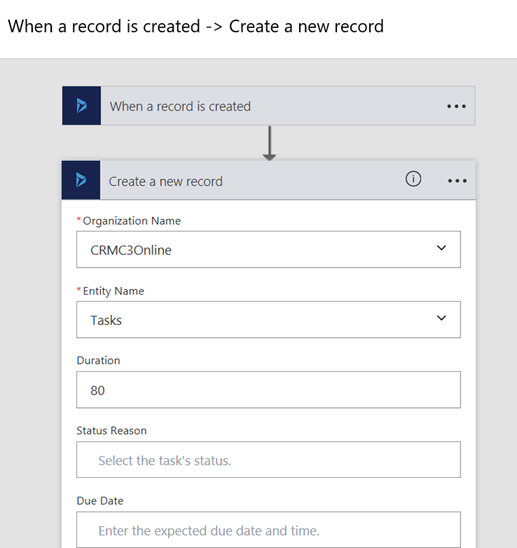
Use Microsoft Flow or Azure Logic Apps to set up automated Dynamics 365 workflows between a Dynamics 365 (online) instance and your choice from many other apps and services available to synchronize files, get notifications, collect data, and more.
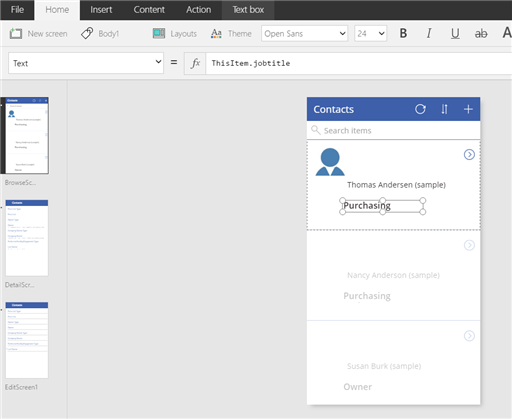
Use Microsoft PowerApps to quickly generate, customize, share, and run mobile apps with little or no code. With the Dynamics 365 connector, in just a few minutes you can create useful mobile apps to share with your organization.
Get started now!
- Create a flow using Dynamics 365 (online)
- Create a logic app using the Dynamics 365 connector
- Connect from Microsoft PowerApps to Dynamics 365
– Matt Peart