


Artificial intelligence (AI) is a tool that can be incredibly helpful! As AI technology evolves, it’s important to understand how it works and how we can use AI tools, such as Microsoft Copilot, to their fullest potential. Let’s take a closer look at what artificial intelligence is, some of its different forms, and how Copilot can assist with daily tasks and so much more.
JULY 09, 2024 5 MIN READ UPDATED: DECEMBER 10, 2025
AI 101: What is AI?

Key takeaways
- Artificial intelligence (AI) enables machines to perform cognitive tasks like learning, reasoning, and language understanding.
- Core components of AI include machine learning and natural language processing.
- AI works by training models on large datasets to recognize patterns, make predictions, and generate new outputs.
- Everyday applications of AI include writing assistance, data analysis, image creation, and personalized recommendations.
- Responsible AI use requires transparency, human oversight, and safeguards against bias and misinformation.
What is artificial intelligence?
Artificial intelligence is a branch of computer science that enables machines to use algorithms to perform tasks that typically require human intelligence. Copilot is your AI companion that can perform functions like speech recognition, decision-making, analysis, text generation, image creation, and much more.
Key components of AI
Copilot is a Generative AI assistant that utilizes two important components to craft intelligent responses: natural language processing (NLP) and machine learning (ML).
What is natural language processing (NLP) in AI?
NLP is a branch of AI focused on increasing the ability of computers to understand and respond to human language. It’s what allows AI systems, such as Copilot, to respond in ways that feel natural to us. NLP works by breaking down sentences into smaller parts, figuring out the meaning of words in context, and identifying what the speaker wants. Once the intent is clear, NLP helps Copilot and other AI systems generate a response that is grammatically correct, relevant, and easy to read. Thanks to NLP, you can ask Copilot to help you generate code, write a bedtime story, answer questions, do math, and more!
What is machine learning in AI?
Machine learning, or ML, is another branch of AI that focuses on the ability of computers to increase decision-making capabilities based on what they gather through interactions. Copilot is continuously learning, so its ability to understand and carry out tasks improves over time. Each interaction helps Copilot recognize patterns in language, refine intent detection, and adjust the way it generates answers so they feel more natural and useful. The more prompts, tasks, and feedback you put in, the more proficient your AI companion becomes at predicting and executing your prompts.
What is an AI prompt?
When you interact with Copilot and other AI tools, the instructions or questions you type or speak are called prompts. The way you “prompt” Copilot for information is a huge influence on the quality of outputs you receive. After you enter a prompt, the AI model analyzes your input and generates a response based on the patterns it has learned through its training. Well‑structured, descriptive prompts help Copilot deliver more accurate and useful outputs, while vague prompts may lead to clarifying questions.
Learn more about AI prompts and how to write them effectively.
How can you use AI for daily life?
So, how can you use AI in your daily life? Use Copilot to:
Write and research
Streamline the writing and research process by asking Copilot to help generate an outline or first draft, proofread existing work, and provide research resources with prompts like these:
- Help me generate an outline on the use of imagery in The Great Gatsby.
- I’m working on a project about how music affects learning. Can you help me find academic sources I can use?
- Check the following for grammar, punctuation, and word choice: [text].
Learn more about how Copilot can enhance your online writing and research experience.
Create images
Copilot doubles as an AI image generator. Make your visions a reality by creating photo-realistic images and a wide variety of art styles! For example, here’s one possible outcome when you ask Copilot to “Create a watercolor painting of a man and a woman watching the sunset together”:

AI art created via Copilot
Learn a new skill or hobby
Whether you want to play an instrument or start a garden, use Copilot as a tool to immerse yourself in your hobbies. Try prompts like these when picking up or leaning into a new hobby:
- Give me popular chords to learn on the guitar.
- I want to learn how to crochet. Where should I start?
- Help me identify this type of bird [picture].
Debug code
Not only can Copilot act as an AI coding assistant to help generate and debug code, but it can also be used to help with testing, syntax correction, and even code translation. Try these prompts when you need help with a coding task or machine problem:
- Evaluate the following Python code for potential issues, and provide any necessary recommendations for improvements: [code].
- Convert the following JavaScript code to TypeScript: [code].
- Write a function to execute [specific task].
Plan a trip
Do you have travel plans coming up, or need a vacation? Ask Copilot to help you create an itinerary, find hotels, identify tourist attractions, and even act as your translator. Try prompts like these if you’re planning a trip:
- What phrases do I need to know when visiting Italy?
- Give me landmarks and attractions to visit for my vacation to New York City.
- Make a table of the best trips for families within two hours of San Diego. Include columns for the exact distance from [location], best time of year to go, and family-friendly activities.
Learn more about how to plan a vacation with Copilot.
What are limitations and challenges with AI?
While a useful tool, AI can make mistakes, produce biased or incorrect outputs, and may require significant computing resources. AI systems depend heavily on training data, which can encode societal biases or gaps. So although Copilot is an incredibly helpful tool, it's good practice to double-check any output to ensure that it’s factual and meets your individual needs.
Do more with Copilot
We’ve only scratched the surface of the many ways AI can change our daily lives for the better. Whether you’re looking for AI-powered productivity tools or ways to spice up your creativity, you can depend on Copilot to deliver. Try Copilot in your browser or download the Copilot app to see what else your Ai companion can help you do.
DISCLAIMER: Features and functionality subject to change. Articles are written specifically for the United States market; features, functionality, and availability may vary by region.
Mentioned in this article

Message Copilot
Copilot mobile app
Copilot for individuals
You may also like
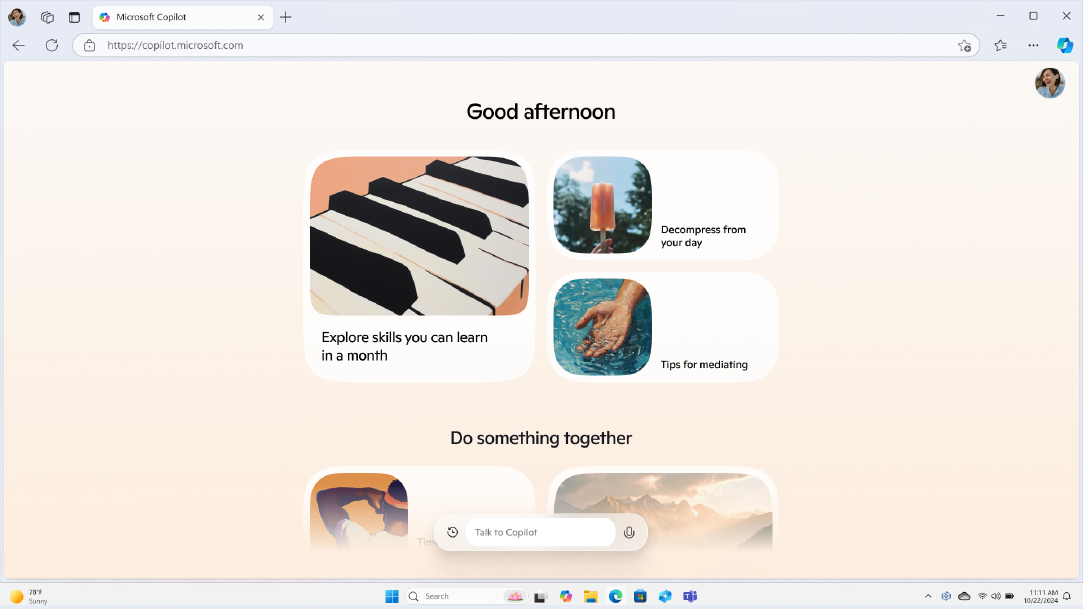
General AI - 4 MIN READ
What is Copilot, and how can you use it?
Learn how you can use Copilot, your AI-companion.
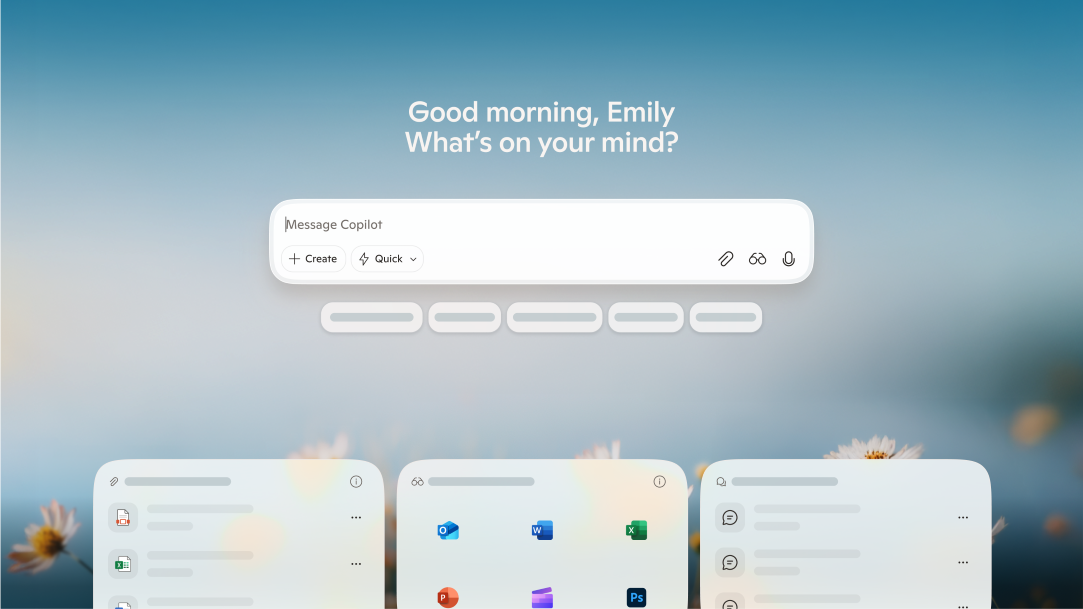
General AI - 4 MIN READ
Where can you access Copilot?
Learn how to use this intelligent assistant to its fullest potential in your daily life.

AI art prompting guide - 5 MIN READ
AI art prompting guide
Learn to write the best AI prompts with free text-to-image AI built into Copilot. Turn your ideas into stunning visuals with this easy-to-use AI artwork generator.
