This is the Trace Id: 7bf2bc55c4d19a69dc34dbfc6564002f
Skip to main content Explore Microsoft 365 apps Pricing for individuals Microsoft 365 Personal Microsoft 365 Family Microsoft 365 Premium Microsoft 365 Pro Student discount pricing Pricing for business Microsoft 365 Business Standard with Copilot Microsoft 365 Business Premium with Copilot For small business For schools For government Pricing for enterprise Microsoft 365 E3 Microsoft 365 E5 Microsoft 365 E7 For enterprise For frontline workers For nonprofits For government Pricing for Copilot Explore Copilot Explore Copilot for individuals Copilot pricing for individuals Explore Copilot for business Copilot pricing for business Explore Copilot for enterprise Copilot pricing for enterprise Microsoft Teams Word Excel PowerPoint Outlook OneDrive SharePoint Planner See all apps and services Microsoft Office Windows 365 Microsoft Viva Microsoft Edge Microsoft Agent 365 Plans and pricing Customer stories Trust Center What's new Blog and community Frontier program Product Roadmap Getting started Learning Center Templates Rollout and adoption Setup and install Deployment assistance Self-help resources Billing support Community Contact Microsoft Support FAQ Self-help resources Admin self-help Support plans Find a partner Contact Sales Community Self-help resources Account management Educator Center Community Contact Microsoft Support Request support FAQ Become a partner Partner resources See all support Buy now

Microsoft Access

Create your own database apps easily in formats that serve your business best. PC only.
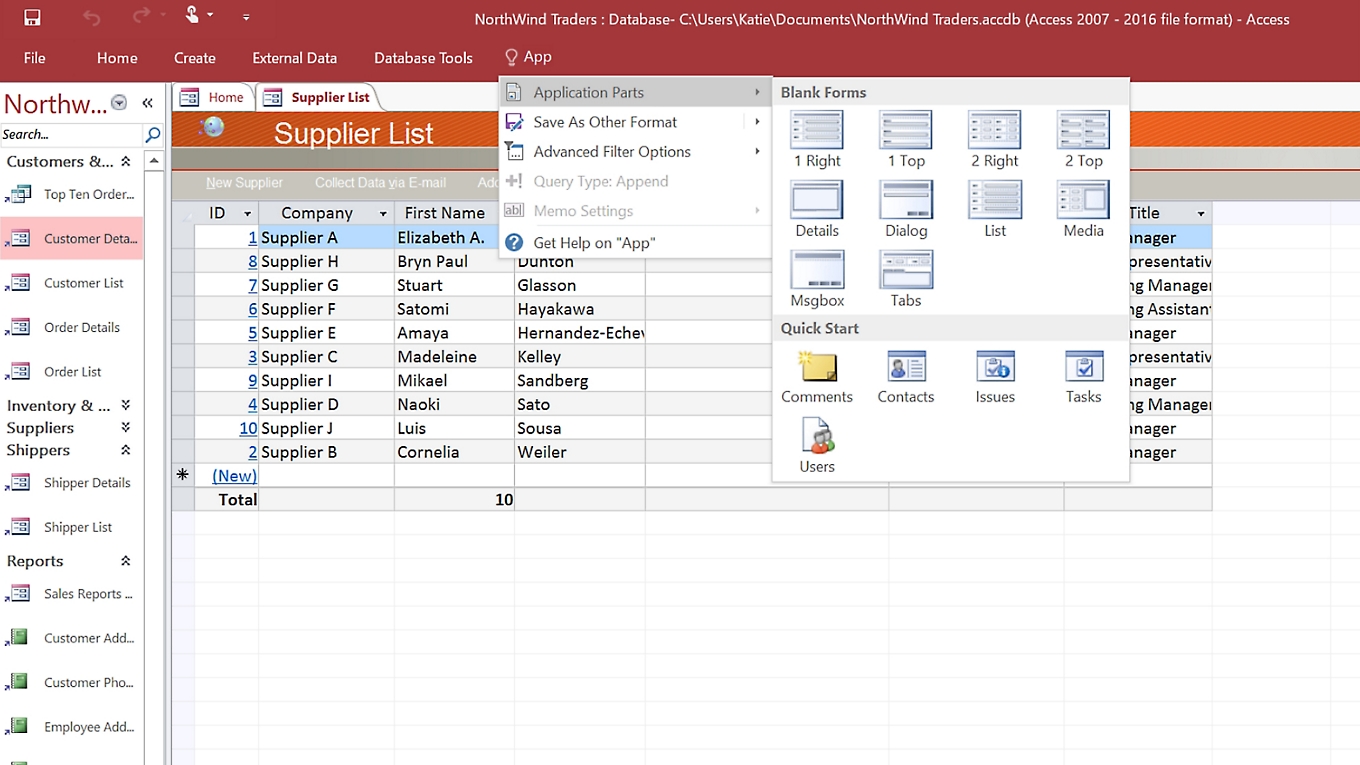
Screenshot of a Microsoft Access database showing a "Supplier List" table. The interface displays company names
Overview

Simplify how you make database apps

  • Build business apps from templates or from scratch. With rich and intuitive design tools, Access helps you create appealing and highly functional apps in a minimal amount of time.
    Screenshot of a Microsoft Excel template selection screen displaying various icons and options
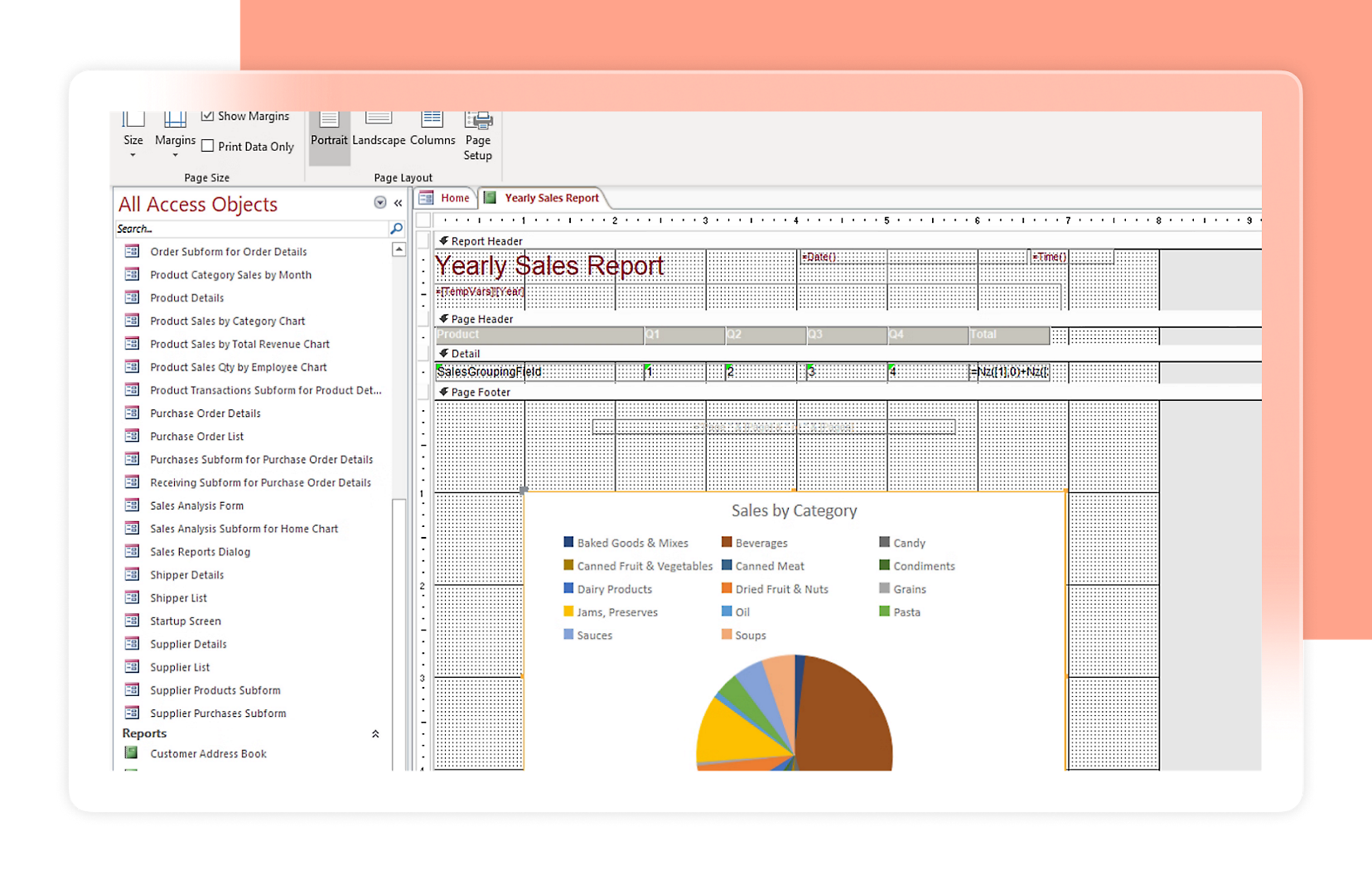
  • Tailor your custom apps to your business and customers by easily editing as needed to meet evolving needs. Using Visual Basic for Applications, automate business processes and create more useful forms and reports.
    Screenshot of a report layout page in a database application showing a section titled "Yearly Sales Report"
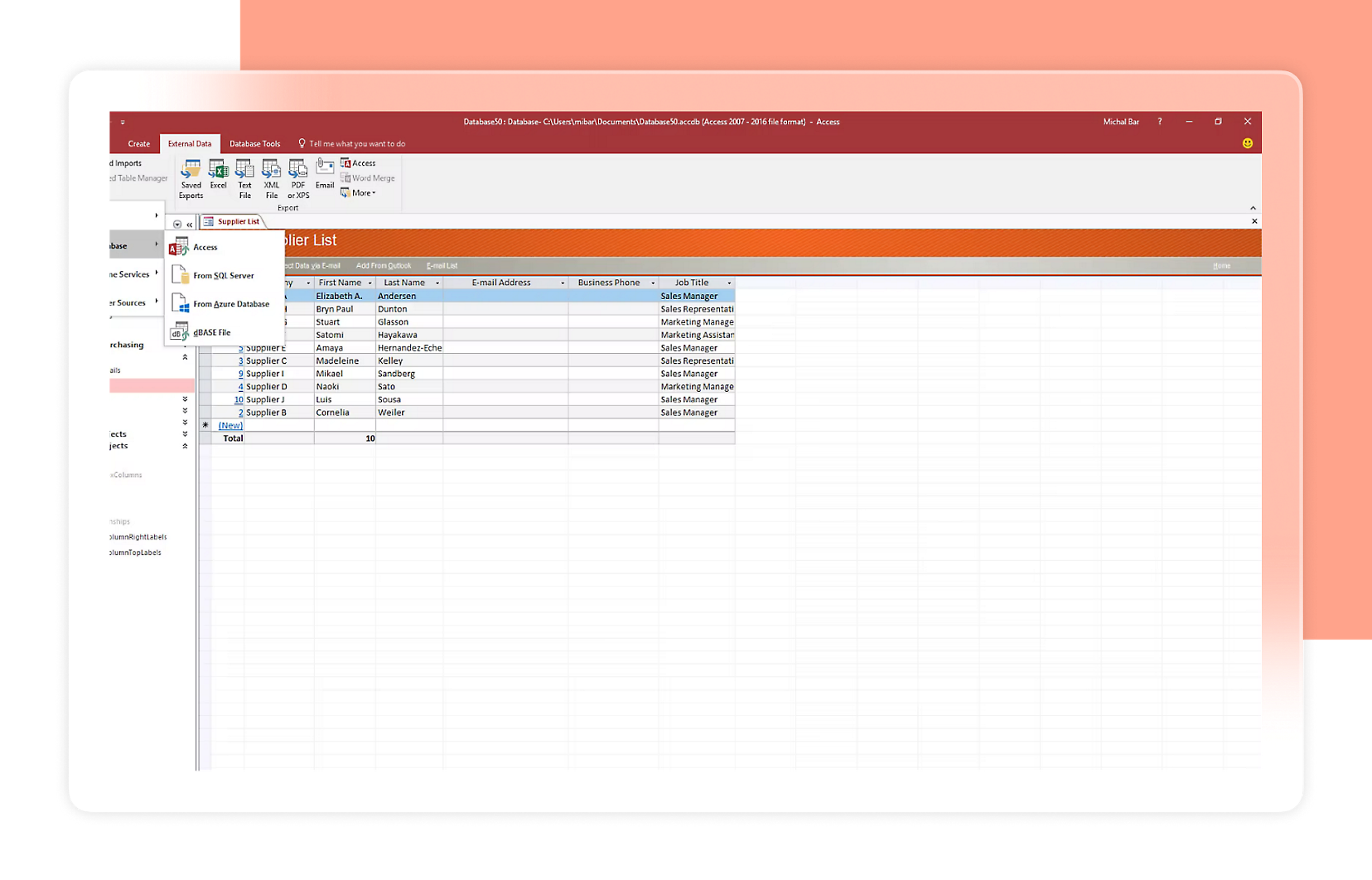
  • Share data between Access and line-of-business apps using the Access connector library to generate aggregated visuals and insights in the familiar Access interface. Easily store data in SQL Server and Microsoft Azure SQL to enhance reliability, scalability, security, and long-term manageability.1
    A computer screen displays a Microsoft Access database with a customer list table in datasheet view.
A woman sitting at a table using a laptop.
Pricing

Get started with Microsoft 365

Enjoy online security, innovative apps, and cloud storage across your devices and on the web with Microsoft 365 for your business.
Back to tabs
GET STARTED

Try Copilot with a free trial of Microsoft 365​

Bring AI into the way you work with AI chat, Copilot in your apps, and pre-built agents, all in one plan.
Abstract digital design with overlapping colorful ribbons displaying text boxes, a nature image
More to explore

Microsoft Copilot for business

Reimagine the way you work with intelligent tools to reach and exceed your business goals.
A person in a green shirt sits at a table, smiling at a laptop screen.
Free trial

Try Microsoft 365 for individuals

Enjoy the apps, security, and storage you need to accomplish your goals—now free for one month.
More to explore

Microsoft Copilot for enterprise

Empower every employee across your organization with intelligent tools to drive innovation.
  1. [1]
    Storing data in SQL Server or Microsoft Azure SQL requires a subscription to the service in question.

Microsoft Access is available for PC only. Learn more.


The most up-to-date version of Microsoft Access is always available with a Microsoft 365 subscription. Microsoft Access 2024 is the latest version of Access available as a one-time purchase. Previous versions include Access 2021, Access 2019, Access 2016, Access 2013, Access 2010, Access 2007, and Access 2003. Access 2024 is compatible with Windows 11.

Follow Microsoft 365

English (United States) Consumer Health Privacy Sitemap Contact Microsoft Privacy Manage cookies Terms of use Trademarks Safety & eco Recycling About our ads